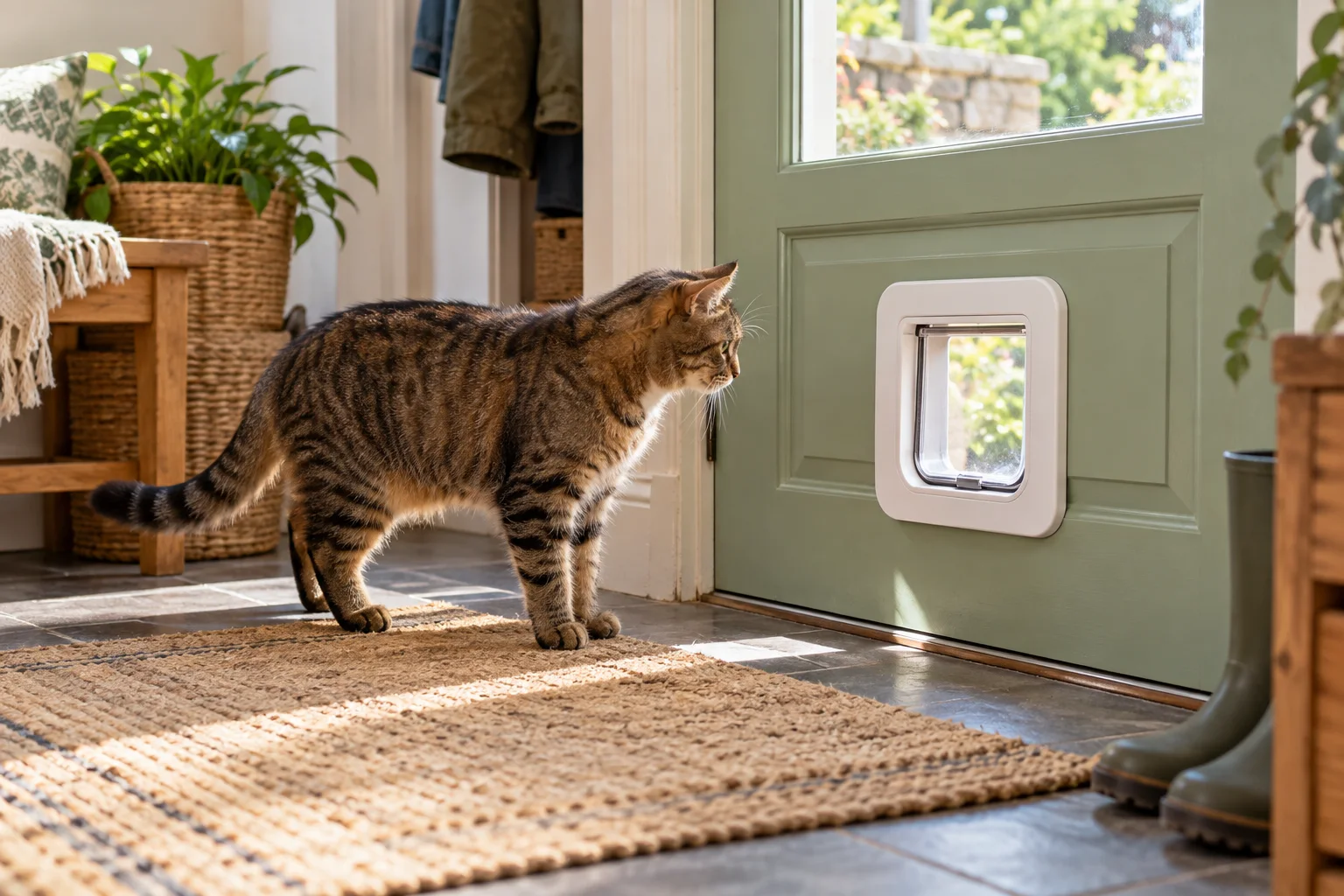
Your cat walks up to the new door, sniffs the tunnel, and turns around. Or they press their nose against it and the flap never clicks. Those look like the same problem from across the room. They are not. One calls for a calmer introduction; the other calls for a hardware check.
First, find out which problem you have
Stand back and notice what happens. A reader may not scan a chip until the cat’s head is inside the tunnel; merely walking past may do nothing. On one SureFlap pet-door model, the manufacturer says the sensor detects a pet entering the tunnel and then reads its chip. Other doors can behave differently, so use your exact manual for the expected light or click.
If the door unlocks but your cat still refuses, don’t keep resetting the electronics. The click, the feel of the swinging flap, or the view on the other side may be the real obstacle. If it stays locked, stop the training session while you test the device.

If the door will not unlock: six checks
1. Check that this cat was learned by this door
A microchip ID in a veterinary registry does not automatically appear in a new cat door. Follow the door’s learn or programming steps and verify the correct cat entered during that step. In a multi-cat home, it is easy to register the wrong animal. The Sure Petcare Cat Flap Connect manual lists missing or incorrect pet access as an initial check when a door will not open.

2. Put in the batteries the manual calls for
Low or poorly seated batteries can make a door seem erratic. Check battery direction and the low-battery indicator, then use the type your model specifies. Sure Petcare recommends good-quality alkaline batteries for the models in its manuals; that is not a universal rule for every brand. If the lock clicks repeatedly, inspect the contacts as the manufacturer directs rather than assuming the microchip is bad.

3. Clean the tunnel and sensor area
Fur and dirt collect where a cat brushes past the frame. The manufacturer’s troubleshooting list specifically calls out dirty sensors and the base of the tunnel. Switch the unit to the safe cleaning state described in your manual and wipe only the accessible surfaces it identifies. Avoid spraying cleaner into electronics.

4. Look at the manual lock and app permissions
A physical lock can override an app schedule on some connected models. On the Sure Petcare Connect model, the manual says a particular rotary-lock position is required for app locking modes to work. That number is model-specific: do not copy it to another door. Also check whether your cat has entry-only, exit-only, or timed access set by mistake.

5. Consider the door material
Did the unit work on a table but fail after installation? Metal around a reader can interfere with some designs. Both the SureFlap Pet Door manual and Connect troubleshooting guidance flag metal-door installations. Use the mounting method or adapter specified for your model; do not improvise an electrical fix.

6. Test the exact direction that fails
Some doors control entry but let any pet leave; others offer separate permissions for each direction. If one side works and the other does not, check the model’s access design before calling it defective. Clean both sensor areas and confirm the pet was enrolled for the direction you expect. If a correctly programmed door still fails after the documented checks, contact the manufacturer with the model and serial number.

If it unlocks but your cat will not use it
Make the first goal smaller than “go outside.” Let your cat inspect the frame while you are there. The manufacturer’s training guidance suggests introducing the door before installation when possible. Its Connect manual also suggests temporarily securing the clear flap open while the cat becomes comfortable moving through. Follow your own model’s directions and supervise any temporary setup.
Try a few short, calm sessions. Place a familiar person or a small reward on the other side, allow the cat to choose, and stop before frustration turns into a standoff. Do not push a cat through or leave a flap propped open unattended. Once the opening itself is familiar, let the flap move gently and build toward normal use.

Before giving independent outdoor access
A functioning cat door is not a decision about whether unsupervised outdoor access is right for your cat or location. Check local risks and your household’s plan first. If you are introducing a new door, practice while someone can watch both sides. Make sure your cat can get back in under the lock schedule you set; a mistaken exit-only or curfew setting can leave them outside.
Keep identification current. An implanted microchip helps a shelter or veterinary clinic identify a found cat, but it does not broadcast their position. The American Veterinary Medical Association explains that a pet microchip is not GPS and must have current registry contact information to help reunite a lost animal with its owner. A cat door reading that chip is a local access function, not a tracker.
Quick answers
Does the cat door read my cat’s chip from across the room?
Usually no. Read range and trigger behavior depend on the model. For one SureFlap model, a cat has to put their head into the tunnel before the reader activates. Check your own manual rather than judging the door by a cat standing nearby.
Does a microchip cat door need Wi-Fi?
Not every model is connected. The chip reader and lock may work independently of an app, while remote schedules or notifications on connected models may need a hub or network. Check the exact product’s offline behavior before relying on a curfew setting.
Should I replace the cat’s microchip?
Not as a first response. Confirm compatibility, learning, power, lock settings, cleanliness, and installation first. Ask your veterinarian to verify that the chip scans if there is a genuine reading concern; do not attempt to alter an implanted chip yourself.

Bottom line: Watch for the click. No click means troubleshoot the reader and lock. A click followed by a retreat means slow down the introduction. That small distinction can save you a new door and spare your cat a stressful lesson.
Sources: Sure Petcare Cat Flap Connect manual; SureFlap Pet Door manual; Sure Petcare training guidance; AVMA microchipping FAQ. Reviewed September 30, 2026. Door behavior varies by model and installation.
Leave a Reply