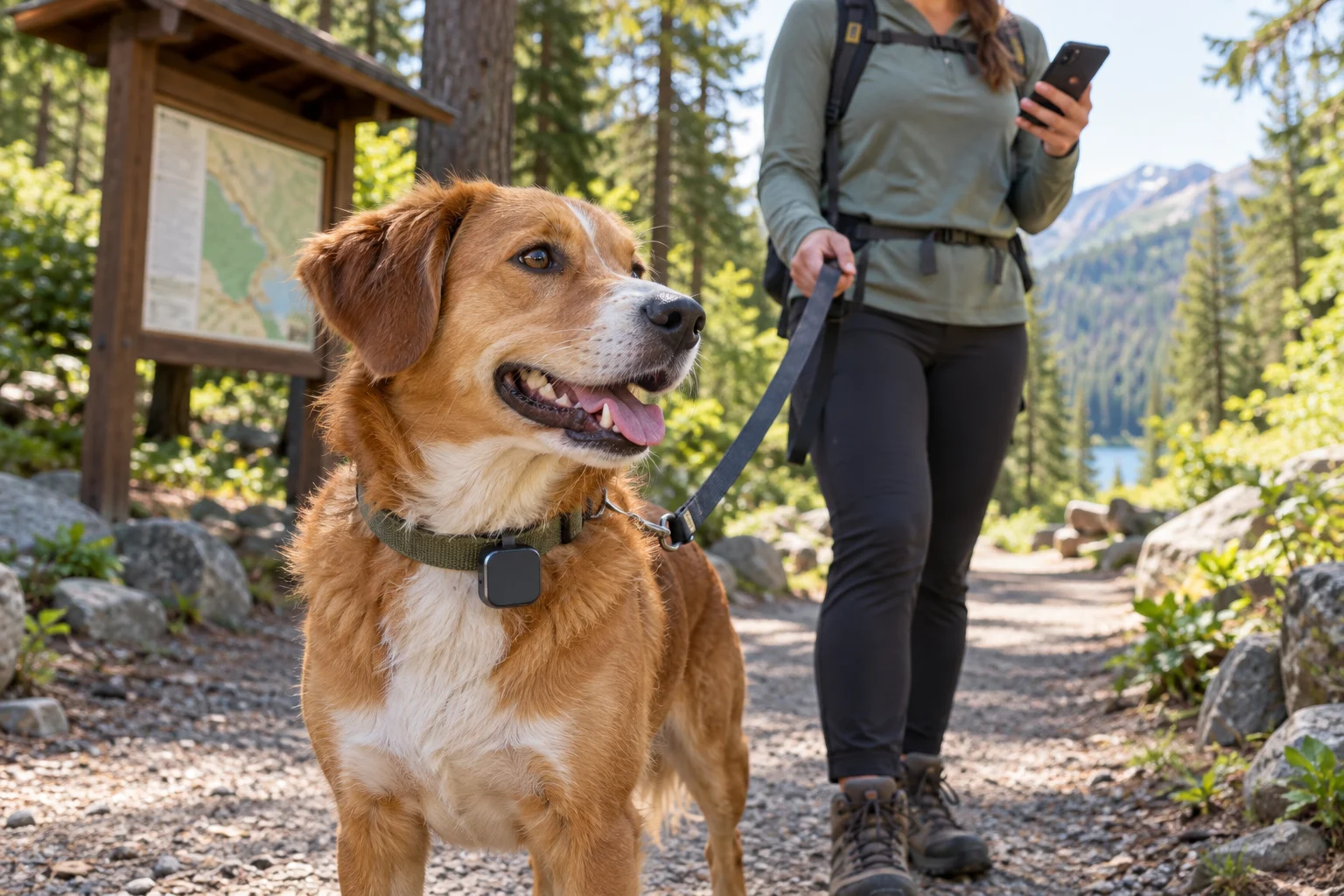
The trailhead has one bar of service. Half a mile in, your phone has none. Your dog is wearing a GPS tracker, so you should still be able to see them on the map, right? Maybe. The answer depends less on the word GPS on the box than on how that particular collar gets its location back to you.
A GPS fix is not the same as a live location on your phone
Think of it as two jobs. First, the collar estimates its position from satellite signals. Then it has to communicate that result. For many consumer trackers, that second job uses a built-in SIM and a mobile network. Tractive explains this two-step process for its devices and says updates may be delayed until the tracker reconnects where coverage is weak.
That is why your own phone showing a blank signal icon is a warning, but not a perfect coverage test for the collar. A tracker may use different bands or a different network partner. Conversely, a phone with service does not prove the tracker has a usable connection at the dog’s exact location. Tractive’s coverage guidance makes that distinction explicitly.

Which kind of tracker are you carrying?
| Device type | How it reports a location | What to expect without cell service |
|---|---|---|
| Cellular GPS collar | Satellite position sent through a mobile network to an app | Live app updates may pause; check your specific model’s offline behavior |
| Dedicated GPS + radio collar and handheld | Satellite position sent by radio to a compatible handheld | Can work without cellular service while the radio link is in range |
| Bluetooth or crowd-network item tag | Nearby finding or sightings by compatible devices | Not a substitute for continuous live GPS tracking |
These are categories, not a promise about every product. Some systems combine methods. For example, Garmin documents an Alpha LTE setup that can report through a compatible VHF collar and handheld when that link is in range, or use LTE under different conditions. You have to check the exact collar, handheld, subscription, and pairing setup you own.
AirTag is a separate case. Apple’s Find My instructions say an item’s map position updates when it connects to the Find My network. It is not a continuous GPS-and-cellular dog collar. Our AirTag guide covers those limits in detail.

5 checks before you rely on it outside town
1. Find the exact communication method
Open the maker’s support page for your precise model, not a general product roundup. Look for the words cellular, LTE, radio, VHF, Bluetooth, and offline. If the marketing page just says “GPS,” keep looking. Ask what happens to location updates when the collar itself has no mobile coverage.

2. Test the device before the trip
Charge it, confirm the subscription is active if one is required, and take a short walk in a familiar area. Watch a few location updates arrive. Check that a second person can read the map if they would help you search. Do not make a remote trail your first live test of a new tracker.

3. Check coverage at the collar’s location
A coverage map is a starting point, not a guarantee under trees or between hills. If your tracker needs cellular service, look up the manufacturer’s supported networks and coverage guidance for the area. Check the app for the timestamp of the last update, not just the position marker. A dot from an hour ago is a last known location, not proof your dog is still there.

4. Know the backup range and battery limit
If you use a radio collar and handheld, learn its rated range and the terrain conditions that shorten it. If the system has a nearby Bluetooth-finding mode, treat that as a short-range aid, not an unlimited-range workaround. Tractive describes its Radar feature as a proximity tool that can work without network access when the phone is near the tracker. Battery life is also model- and use-dependent; a poor-signal area can make some cellular devices work harder.

5. Keep a non-electronic return route
A tracker can fail, detach, run out of charge, or lose its communication link. Your dog still needs a legible ID tag and an up-to-date registered microchip. AKC recommends tags, microchipping, and tracking as complementary layers, not interchangeable solutions. Save a recent photo of your dog on your phone before traveling.

If your dog goes missing and the map stops updating
Start with the last known timestamp and location. Do not chase a stale dot as though it were live. Note which direction your dog was last seen moving, call for help from the people with you, and search the immediate area carefully. If you have a compatible radio or nearby-finding feature, use it within its stated range. If the app reconnects, check whether the position and timestamp actually changed.
Contact local shelters and veterinary clinics, and use a current photo and your contact information. Keep the microchip registration and ID-tag number current. A tracking app helps you search; it does not replace the ordinary lost-dog steps that work when the app is silent.

Quick answers
Does GPS itself need cell service?
Satellite positioning and communication are different jobs. A device can determine a GPS position without mobile service, but a cellular tracker generally cannot send live updates to your phone without a network connection. Whether it stores positions and uploads them later depends on the model.
Will a downloaded offline map fix the collar?
No. An offline map can help your phone display terrain when you lack data, but it does not create a communication link between a cellular collar and the app. Check the map and tracker separately before leaving.
Is a radio tracker automatically better?
Not automatically. It may suit areas without cell service, but it requires compatible equipment and a usable radio link. Terrain, distance, battery, and how you carry the handheld still matter. Choose the system that works in the places you actually take your dog.

Bottom line: Don’t ask only whether a dog collar has GPS. Ask how it sends you the fix, what happens when that connection disappears, and how you will find your dog if the answer is “it can’t update right now.”
Sources: Tractive, How It Works; Tractive, Cellular Coverage; Tractive, Radar Mode; Garmin, Alpha LTE and VHF; Apple, Find My; AKC, Lost Dog. Reviewed September 30, 2026. Features vary by exact model, plan, region and firmware.
Leave a Reply